Introduction
ApexMCP is a multi-tenant MCP (Model Context Protocol) gateway that connects AI agents to any data source — databases, SaaS APIs, spreadsheets, and custom services — through a single, authenticated endpoint.
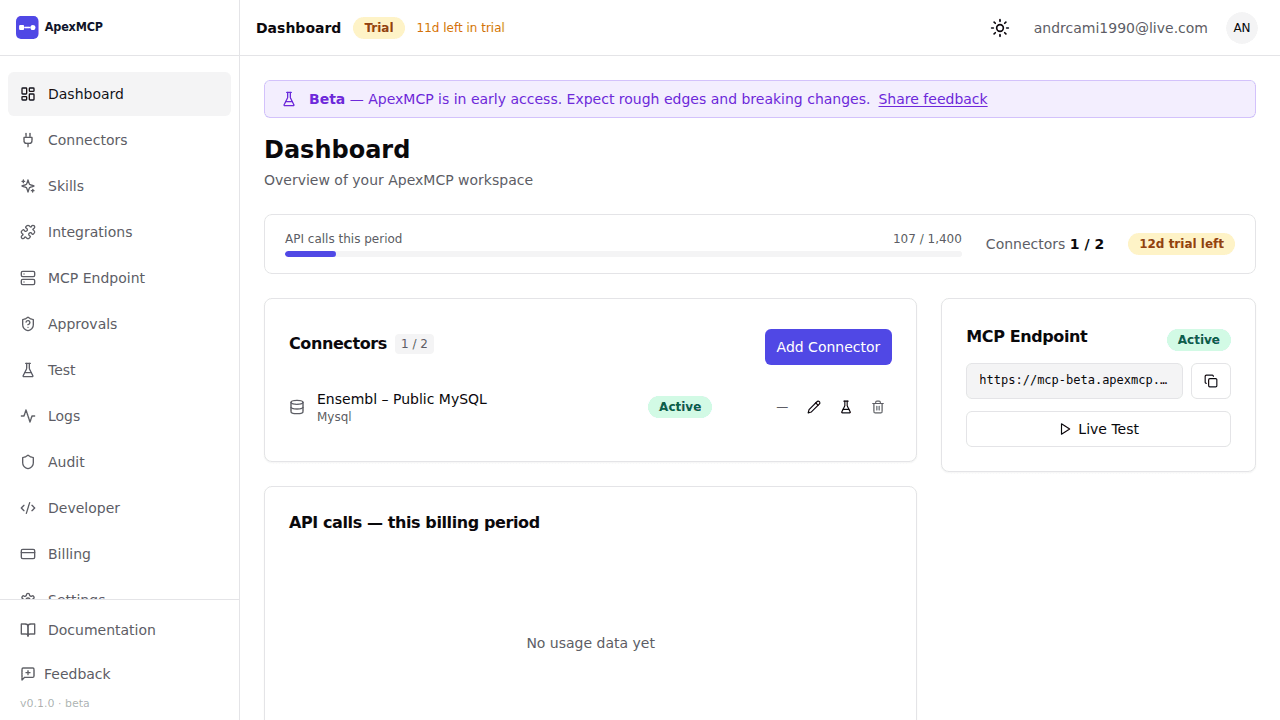
What is ApexMCP?
Instead of building custom integrations for every AI tool and every data source, ApexMCP provides:
- A unified MCP endpoint per organisation (
POST /mcp/:orgSlug) - Managed connectors for PostgreSQL, MySQL, Snowflake, REST APIs, Google Sheets, and more
- Multi-tenant isolation — each organisation gets its own scoped credentials and access controls
- Audit logging of every tool call
- Rate limiting and quota enforcement per plan tier
AI agents (Claude, OpenAI Assistants, custom LLM pipelines) connect to ApexMCP using the standard MCP JSON-RPC protocol. ApexMCP handles auth, credential management, schema discovery, and routing to the underlying data source.
Architecture
AI Agent
   │  POST /mcp/:orgSlug  (MCP JSON-RPC)
   ▼
Gateway  ──── Auth (API key / OAuth JWT / BYOIDP) ────►  Identity Broker (Zitadel)
   │
   ▼
Connector Service  ──── Credential Vault (AES-256-GCM encrypted secrets)
   │
   ├── PostgreSQL / MySQL / Snowflake
   ├── REST API connectors
   ├── Google Sheets / Excel
   └── gRPC / Custom
   │
   ▼
MCP Manager  ──── Tool schema generation, JSON-RPC dispatch, audit log
Key Concepts
| Concept | Description |
|---|---|
| Organisation | Top-level tenant. All connectors, agents, and API keys belong to an org. |
| Connector | A configured data source connection (e.g. a PostgreSQL database). Each connector auto-generates MCP tools. |
| MCP Endpoint | POST /mcp/:orgSlug — the single entry point for all agent tool calls. |
| Agent | A registered AI agent identity. Used for audit trail and scope restriction. |
| API Key | Static credential (X-API-Key header) for authenticating requests to the MCP endpoint. |
| OAuth Client | Machine-to-machine credential pair (client_id + client_secret) for short-lived Bearer JWTs. |
| Tool | An auto-generated MCP capability derived from a connector (e.g. query_postgres, list_sheets). |
Next Steps
- User Guide — dashboard walkthrough, team management, billing, and settings
- Getting Started — sign up, add a connector, make your first tool call
- Authentication — API keys, OAuth2, and BYOIDP
- Connectors — supported data sources and configuration
- MCP Protocol — JSON-RPC format, error codes, rate limits