Tool Approvals
Tool Approvals add a human-in-the-loop gate to sensitive tools. When an AI agent calls a flagged tool, the call does not run immediately — it pauses and waits for a human in your organisation to approve or reject it.
Use this for tools that write, delete, send, or spend: database mutations, webhook/REST writes, payments, anything you want a person to sign off before it happens.
How it works
- An admin flags a tool as Requires approval (see below).
- An AI agent calls that tool. Instead of executing, it gets back a
pending_approvalresponse carrying anapprovalId. - The pending call appears on the Approvals page in your dashboard, and the
tool’s approvers receive an email (and an
approval.requestedwebhook, if configured). If no approvers are set, all org admins are notified. - An approver reviews the exact arguments and clicks Approve & run or
Reject.
- Approve → ApexMCP executes the tool with the approved arguments and stores the result.
- Reject → the tool never runs.
- The agent polls the result with the built-in
check_approval_statustool (see below) and continues once the call isexecuted(with the result),rejected, orexpired.
The gate applies to both transports (Streamable HTTP and SSE) and to both your in-house connector tools and external MCP tools.
Flagging a tool
- Go to Dashboard → MCP Endpoint.
- Open a tool’s editor (the settings icon on the tool row).
- Tick Require human approval before this tool runs.
- Optionally set Auto-reject after N hours — if no one decides within this window, the request auto-rejects and the tool never runs. Default 24 hours, minimum 5 minutes, maximum 24 hours.
- Save.
Unflagged tools are unaffected and run normally.
Approvers (who gets notified + can decide)
Each tool has an optional Approvers list (emails) in its editor, under the approval toggle:
- The listed people are emailed when a call is held, and are the only users who can approve or reject that tool’s requests. Any one of them is enough — there’s no wait-for-all.
- Enter one or more emails, comma- or newline-separated.
- Leave it empty to fall back to all org admins (they get notified and can approve). A flagged tool is never left with no possible approver.
The approver list is snapshotted onto each request when it’s created, so changing the list later doesn’t affect calls already pending.
Reviewing approvals
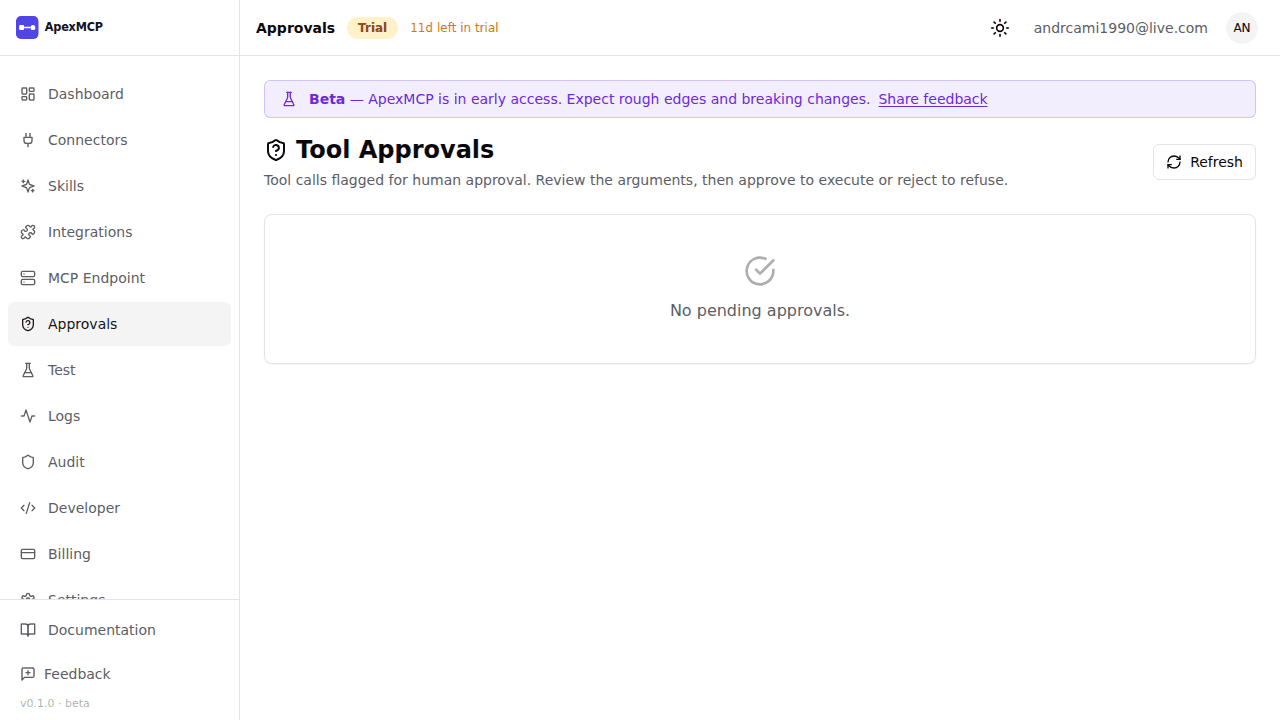
Dashboard → Approvals lists every pending request with:
- the tool name,
- the full arguments the agent supplied,
- who/what requested it, and
- how long until it auto-rejects.
Click Approve & run to execute, or Reject to refuse. Each request can only be decided once — a second click (or two people acting at once) is a safe no-op and never double-executes.
The Approvals page is admin-only. A request can only be approved/rejected by one of the tool’s approvers (or any org admin, if the tool has no approver list). Any one approver is enough.
For agent developers: polling a held call
A flagged tool call returns a normal MCP tool result whose structuredContent
marks it pending:
{
  "content": [
    { "type": "text", "text": "This tool call requires human approval. It is now pending. Poll check_approval_status with approvalId \"appr-1a2b3c\"." }
  ],
  "structuredContent": { "status": "pending_approval", "approvalId": "appr-1a2b3c" },
  "isError": false
}
Read the approvalId from structuredContent, then poll the always-available
check_approval_status tool:
{ "name": "check_approval_status", "arguments": { "approvalId": "appr-1a2b3c" } }It returns one of:
status | Meaning |
|---|---|
pending | Still awaiting a human decision |
executed | Approved and run — the tool result is included |
rejected | A human rejected it; it did not run |
expired | The approval window lapsed; it did not run |
failed | Approved, but execution errored |
not_found | Unknown approvalId for your org |
Notifications
When a call is held, ApexMCP notifies your org admins by email, and fires these webhook events (if you have a webhook subscribed):
approval.requested— a call is now pending.approval.decided— a pending call was resolved (executed,rejected,failed, orexpired).