Getting Started
Get your AI agent calling tools against your data in under 10 minutes.
1. Sign Up and Create an Organisation
- Go to apexmcp.ai and sign up
- After email verification, the onboarding wizard starts
- Enter your organisation name — this becomes your
orgSlug(e.g.acme-corp) - Your organisation starts on a 14-day trial automatically — Growth plan features, no credit card, no plan selection needed
Your MCP endpoint is immediately provisioned at:
https://gateway.apexmcp.ai/mcp/acme-corp2. Add Your First Connector
In the dashboard, go to Connectors → New Connector.
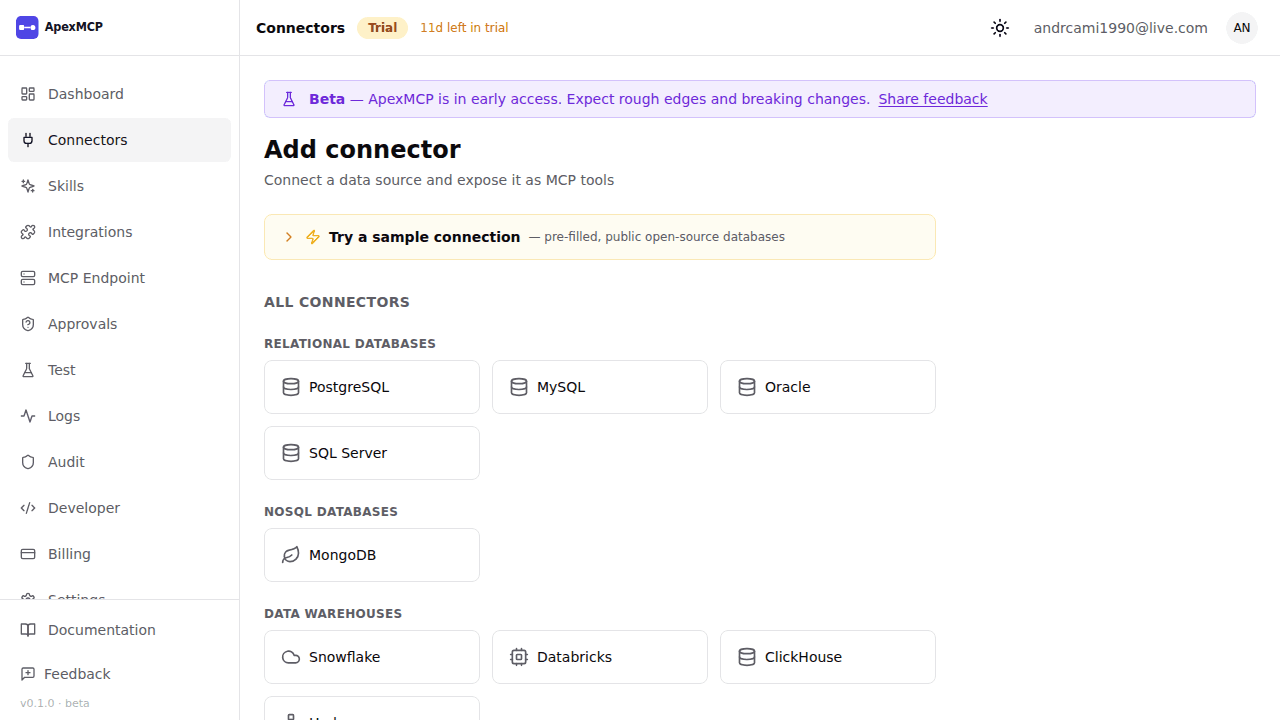
For a PostgreSQL database:
| Field | Value |
|---|---|
| Type | PostgreSQL |
| Host | db.example.com |
| Port | 5432 |
| Database | mydb |
| Username | apexmcp_user |
| Password | (stored encrypted, never returned) |
| SSL | Enabled |
Click Test Connection to verify credentials, then Save.
ApexMCP will run schema discovery and generate MCP tools for every table and view the user has SELECT access to (e.g. query_postgres_users, query_postgres_orders).
3. Generate an API Key
Go to Settings → API Keys → New API Key.
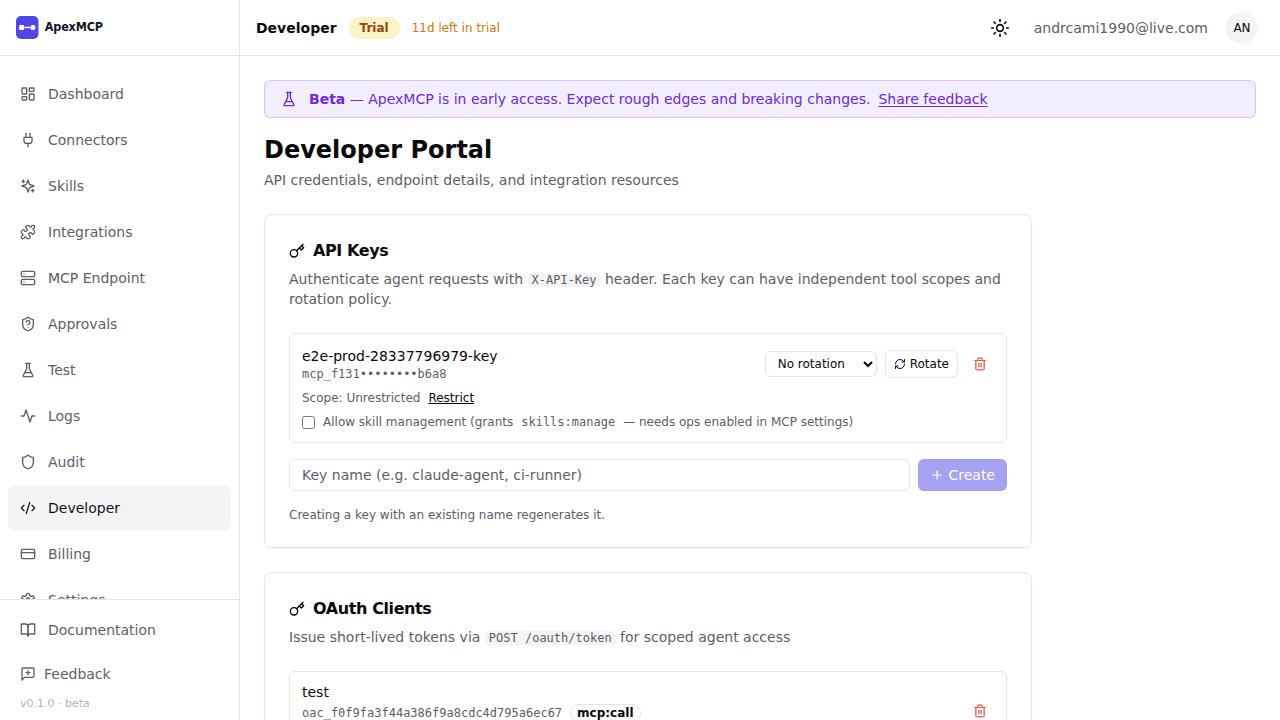
- Give it a name (e.g.
my-agent-key) - Copy the key — it is shown once only
- The key is org-scoped and grants access to all connectors by default
apx_live_sk_xxxxxxxxxxxxxxxxxxxxxxxxxxxxxxxx4. Make Your First tools/list Call
Verify the endpoint is working and see available tools:
curl -X POST https://gateway.apexmcp.ai/mcp/acme-corp \
  -H "Content-Type: application/json" \
  -H "X-API-Key: apx_live_sk_xxxxxxxxxxxxxxxxxxxxxxxxxxxxxxxx" \
  -d '{
    "jsonrpc": "2.0",
    "id": 1,
    "method": "tools/list",
    "params": {}
  }'
Response:
{
  "jsonrpc": "2.0",
  "id": 1,
  "result": {
    "tools": [
      {
        "name": "query_postgres_users",
        "description": "Query the users table in PostgreSQL",
        "inputSchema": {
          "type": "object",
          "properties": {
            "sql": { "type": "string", "description": "SQL SELECT query" },
            "limit": { "type": "integer", "default": 100 }
          },
          "required": ["sql"]
        }
      }
    ]
  }
}
5. Call a Tool
curl -X POST https://gateway.apexmcp.ai/mcp/acme-corp \
  -H "Content-Type: application/json" \
  -H "X-API-Key: apx_live_sk_xxxxxxxxxxxxxxxxxxxxxxxxxxxxxxxx" \
  -d '{
    "jsonrpc": "2.0",
    "id": 2,
    "method": "tools/call",
    "params": {
      "name": "query_postgres_users",
      "arguments": {
        "sql": "SELECT id, email, created_at FROM users ORDER BY created_at DESC",
        "limit": 10
      }
    }
  }'
Response:
{
  "jsonrpc": "2.0",
  "id": 2,
  "result": {
    "content": [
      {
        "type": "text",
        "text": "[{\"id\":1,\"email\":\"alice@example.com\",\"created_at\":\"2024-01-15T10:00:00Z\"}, ...]"
      }
    ]
  }
}
Next Steps
- Authentication — switch to OAuth2 for short-lived tokens
- Connectors — add more data sources
- SDKs — use the TypeScript or Python MCP SDK client