Integrations Catalog
The Integrations page (Dashboard → Integrations) is a curated catalog of REST and GraphQL providers. Instead of hunting for a provider’s OpenAPI spec, pick it from the catalog and ApexMCP pre-fills the connector form for you.
The catalog ships with 60+ verified providers — 59 REST and 5 GraphQL — including Microsoft 365, Stripe, GitHub, Slack, Notion, HubSpot, Twilio, Jira, and more.
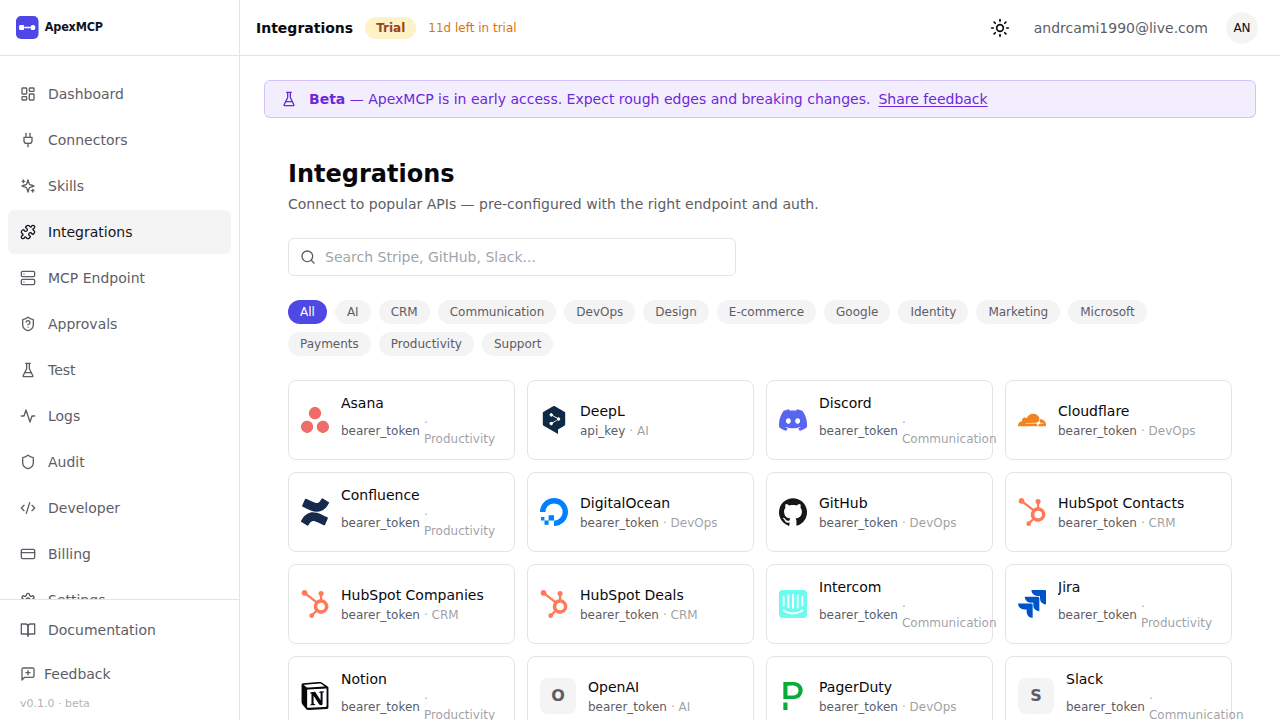
Filter by category to narrow the list:
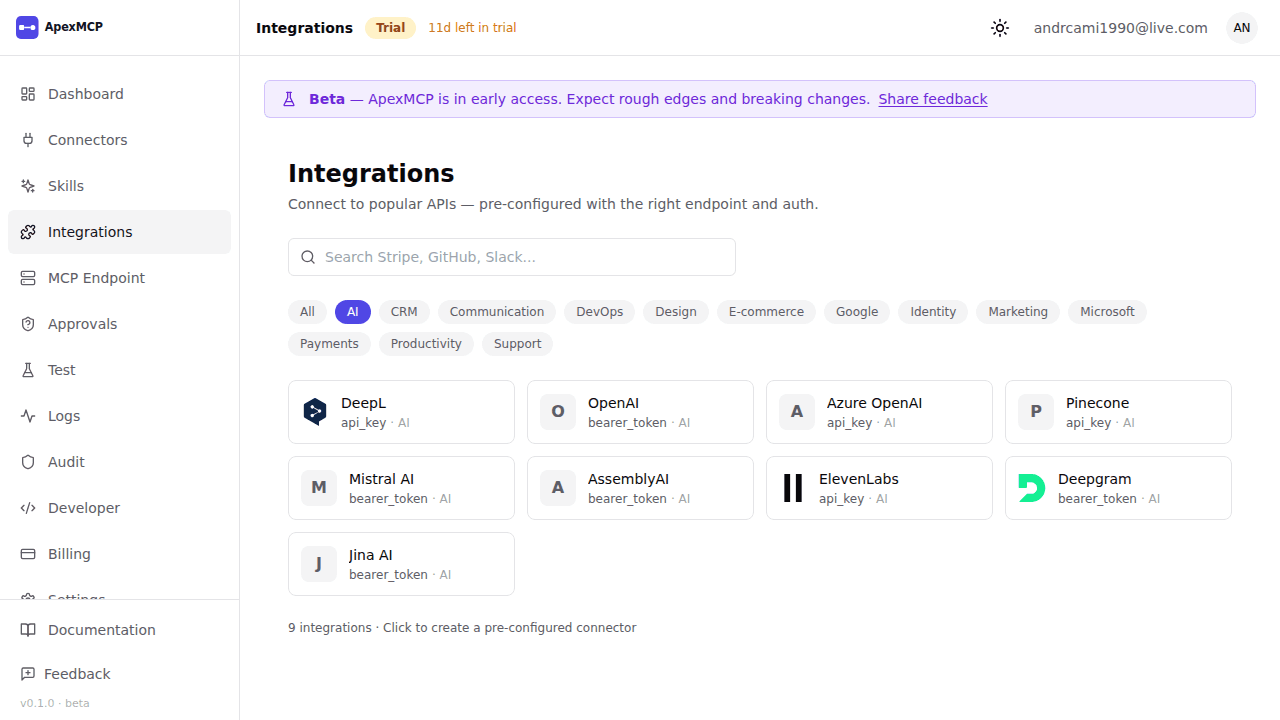
How it works
- Open Dashboard → Integrations
- Search by name or filter by category pill (Databases, Productivity, Microsoft 365, Payments, Dev Tools, …)
- Click a provider card
- You’re sent to New Connector with the form pre-filled:
- OpenAPI URL (REST) or GraphQL endpoint populated automatically
- Base URL derived from the spec host
- Auth method set from the provider’s auth hint (API Key, Basic, OAuth2, or JWT)
- Name pre-filled
- Add your credentials, Test Connection, and Save — schema discovery runs and generates MCP tools
The catalog only fills in the connector form. The resulting connector is a standard REST or GraphQL connector — see Connectors for the underlying types.
Microsoft 365
Microsoft 365 providers are exposed as REST integrations over Microsoft Graph:
| Provider | Surface |
|---|---|
| Microsoft Graph | Core Graph API — users, groups, mail, calendar |
| Microsoft Teams | Teams, channels, messages |
| SharePoint | Sites, lists, document libraries |
| OneDrive | Drives, files, folders |
| Outlook | Mail, calendar, contacts |
All use OAuth2 against your Entra ID (Azure AD) tenant. Supply your own app registration’s client credentials when configuring the connector.
Coming-soon providers
Providers without a public OpenAPI 3.x spec appear in the picker as disabled / coming soon. They are not yet pickable but signal planned support. You can always configure these manually as a generic REST connector if you have the spec.
Adding to the catalog
The catalog is a curated, static list maintained by ApexMCP — there is no runtime external fetch, so entries are always fresh and validated. To request a provider, contact support or open an issue in the community repo.